Understand your critical cleaning zones
Best practices for each critical zone
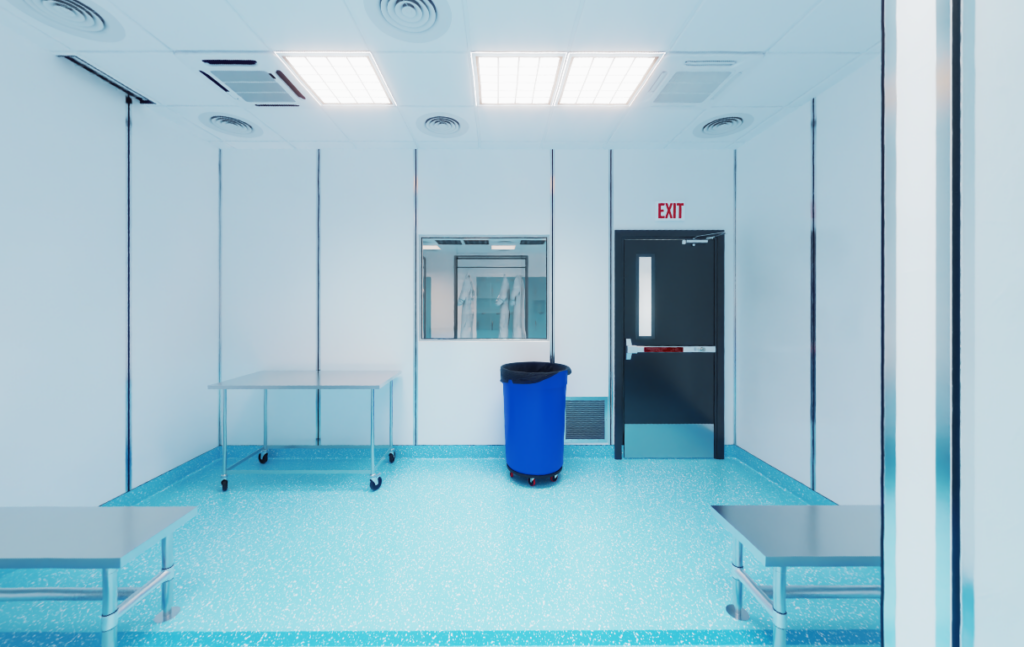
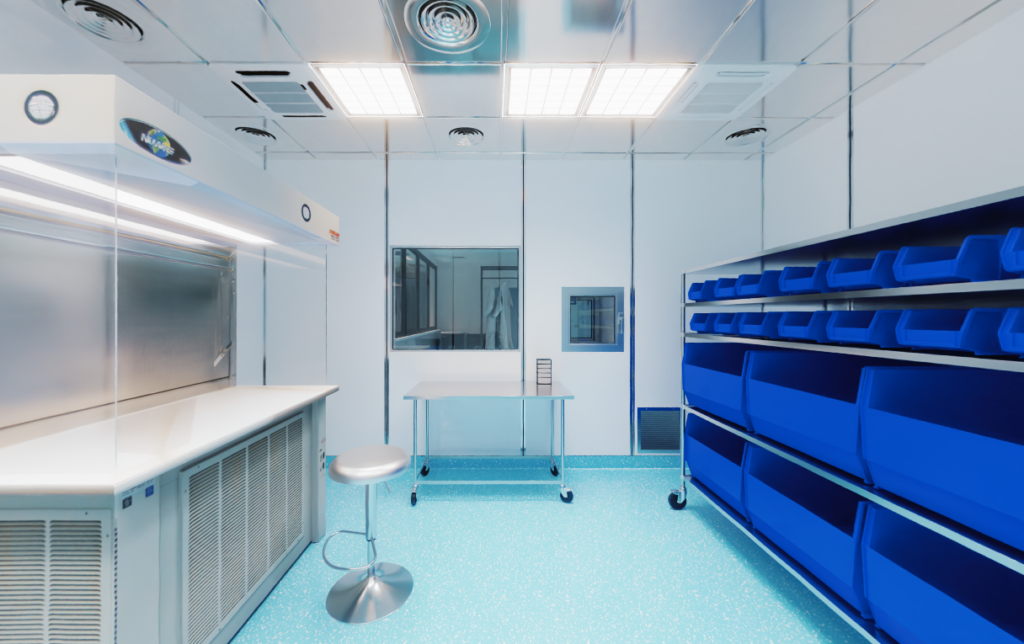
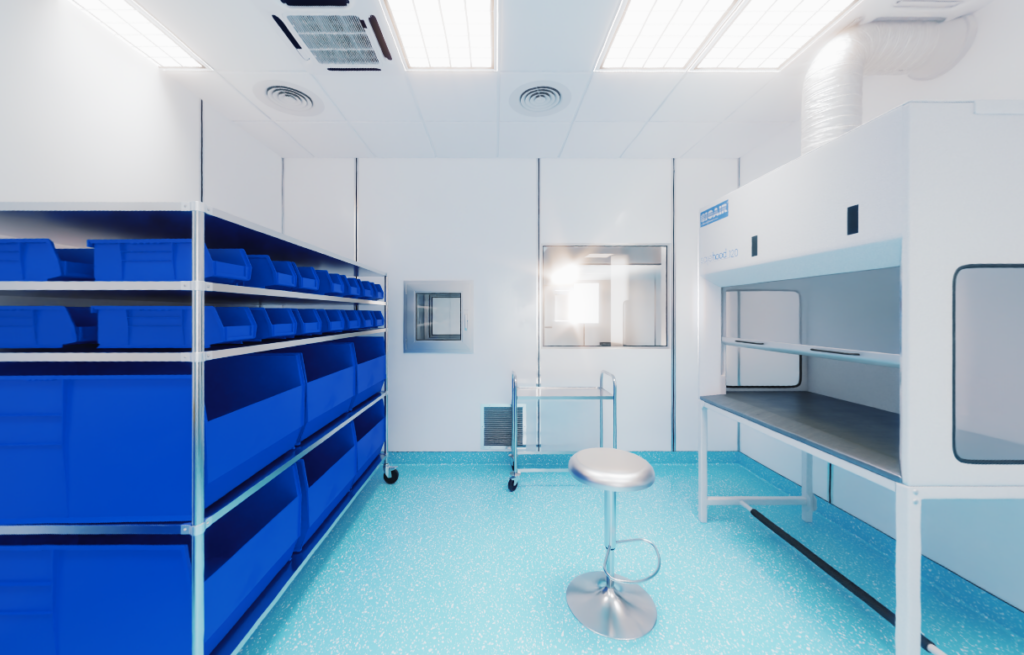
Explore one of the three rooms in 360° view by clicking on the name of that room. You can rotate it by using your mouse (or finger when on mobile). You can click on the hotspots to find out more about the best practices. To go to the next room, use the arrows left/right at the bottom of the page.